 012:26
Key Benefits
Key features and benefits of the Laversab ARTS-7000.


Step-by-step operator training for every Laversab system — from unboxing to advanced functions. Watch free, anytime, on any device.
012:26Key features and benefits of the Laversab ARTS-7000.
 021:12
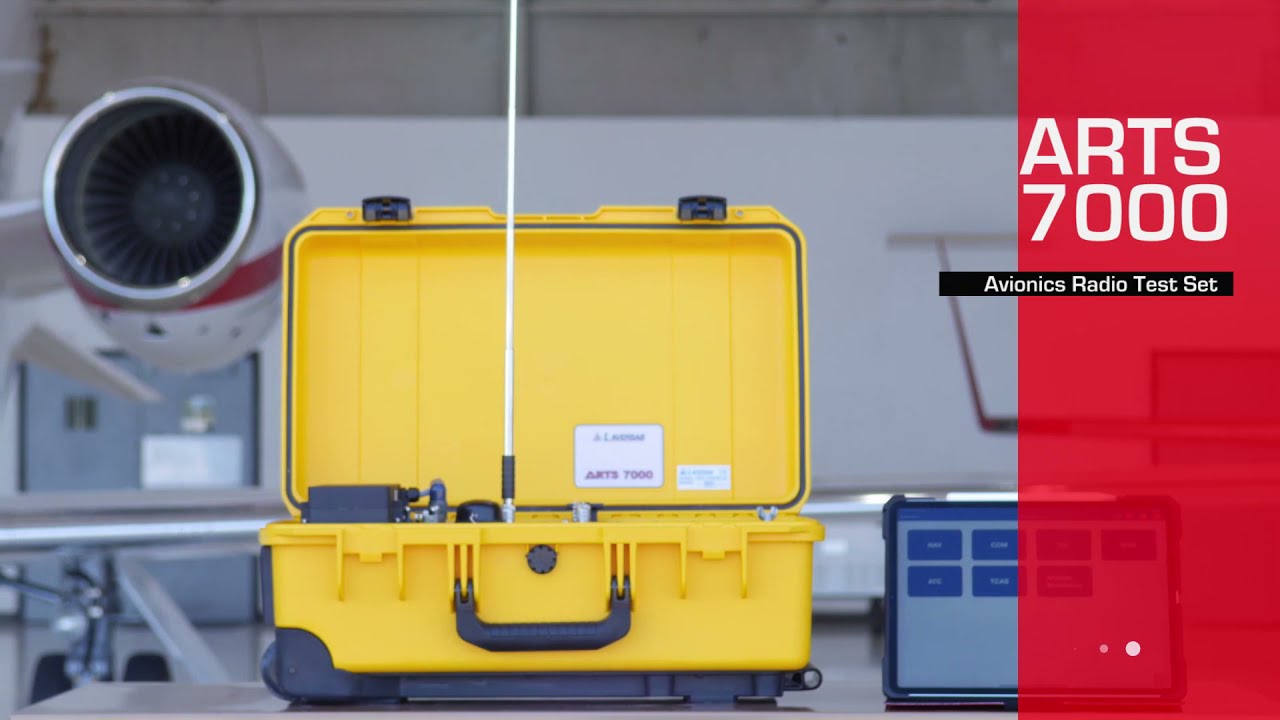
Introduction to the ARTS-7000 Avionics Radio Test System, outlining the system and key components as well as the practical application of this tester.
 031:32
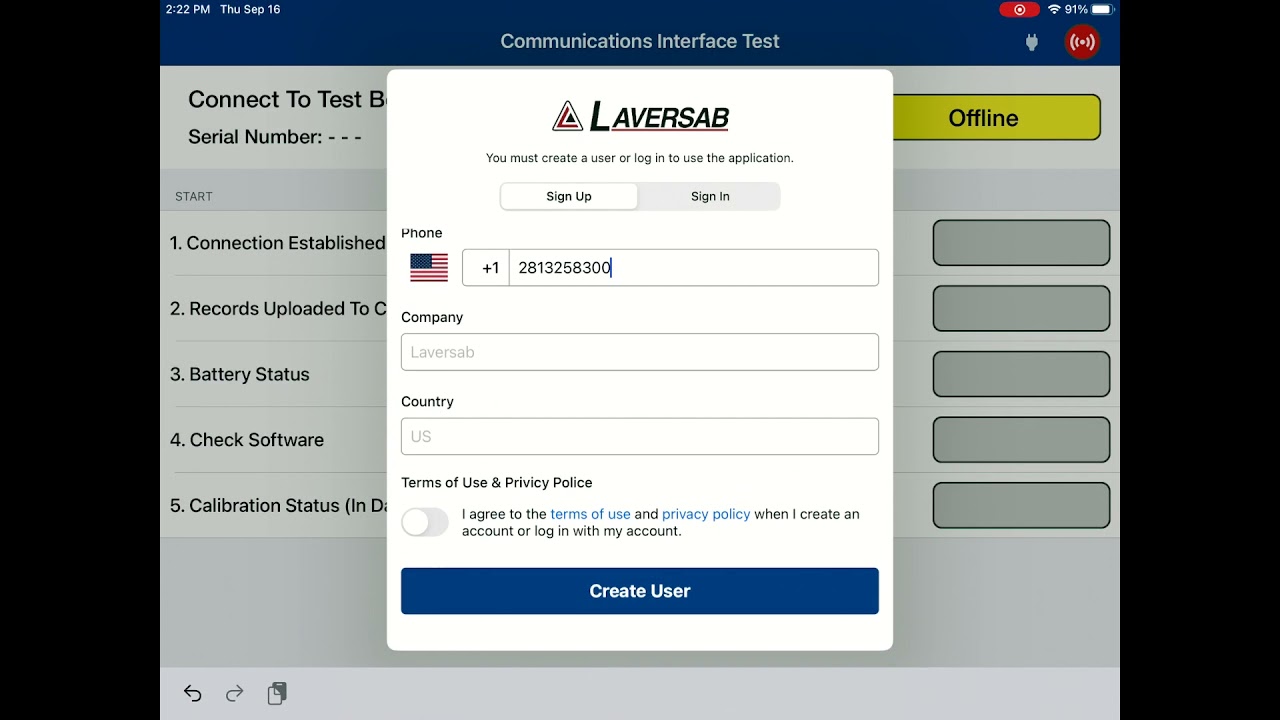
Guide to registering the Laversab ARTS-7000 application.
 047:02
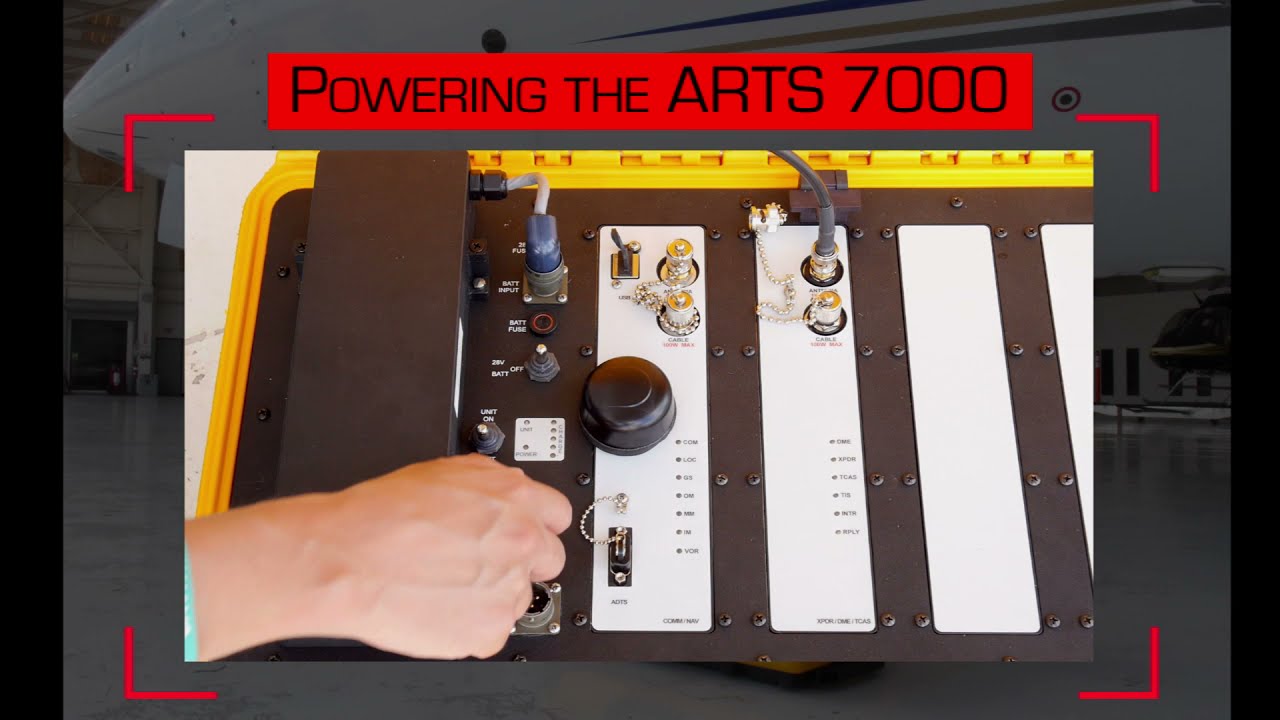
Looking through the ARTS-7000 menu and indicators so users can understand how to navigate the user interface.
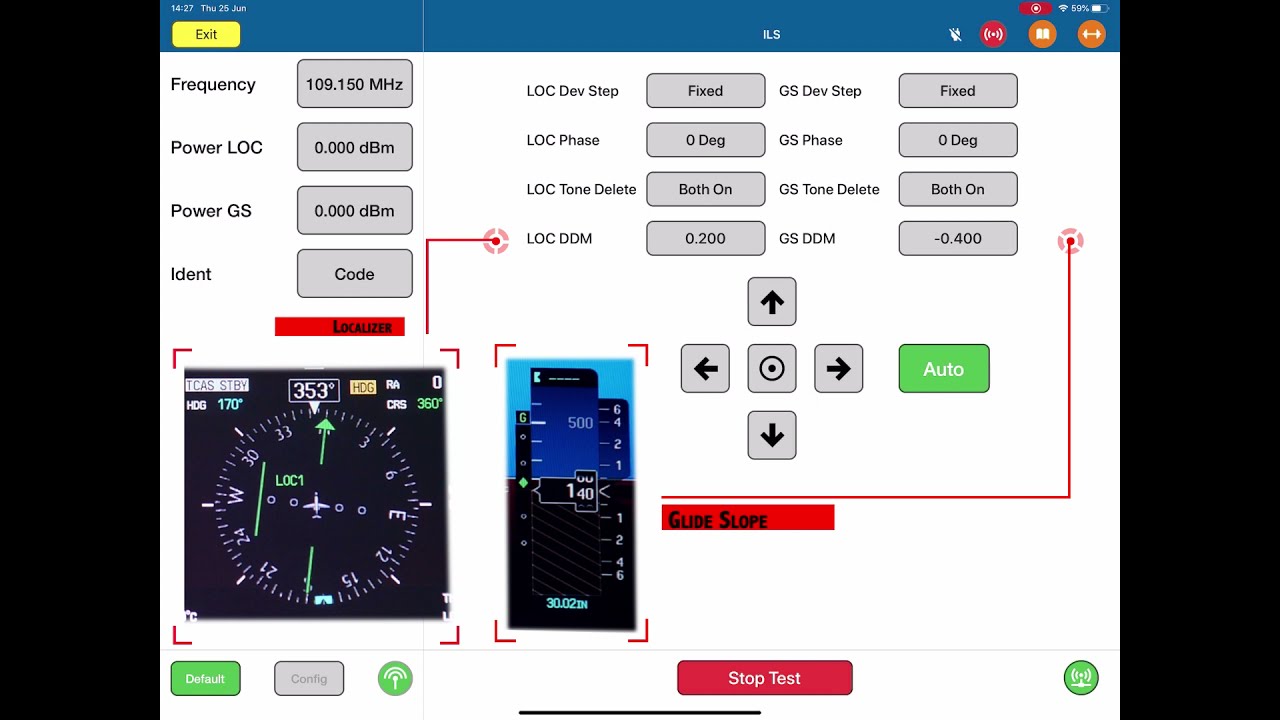 055:55
Describing how to use the ILS (Instrument Landing System) functions of the Laversab ARTS-7000.
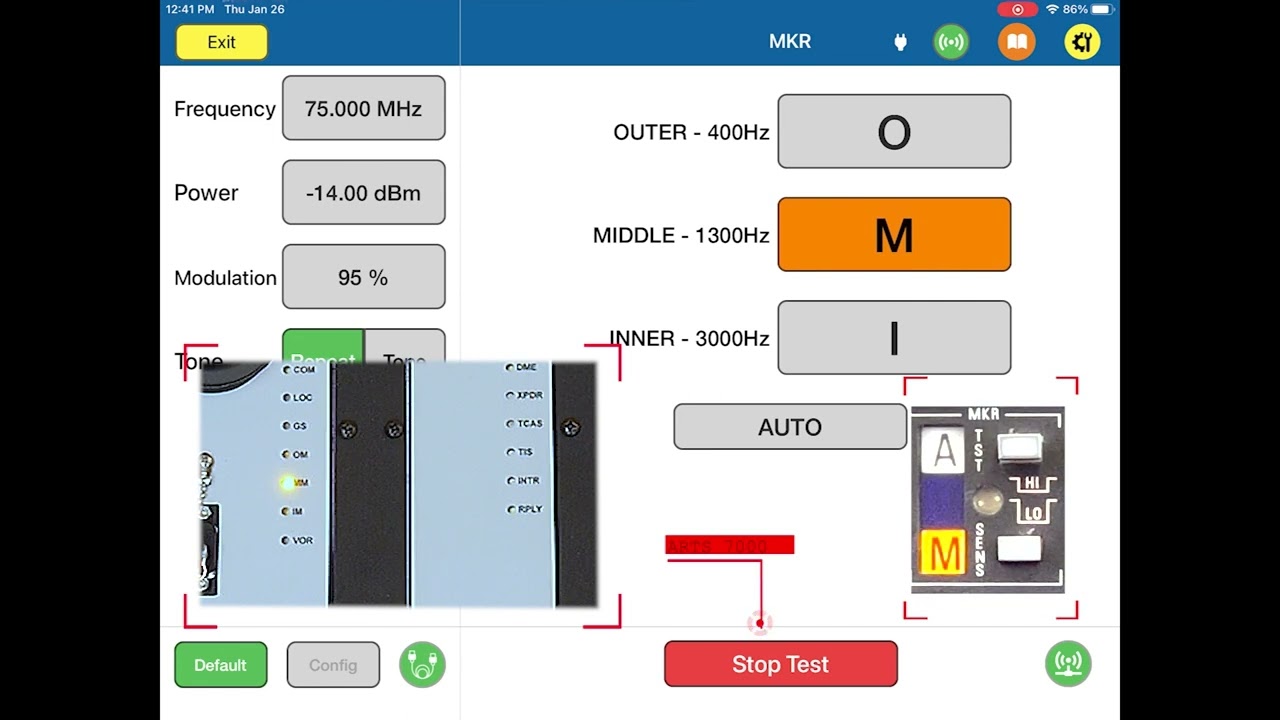 062:27
Guide to using the Marker Beacon function in the Laversab ARTS-7000.
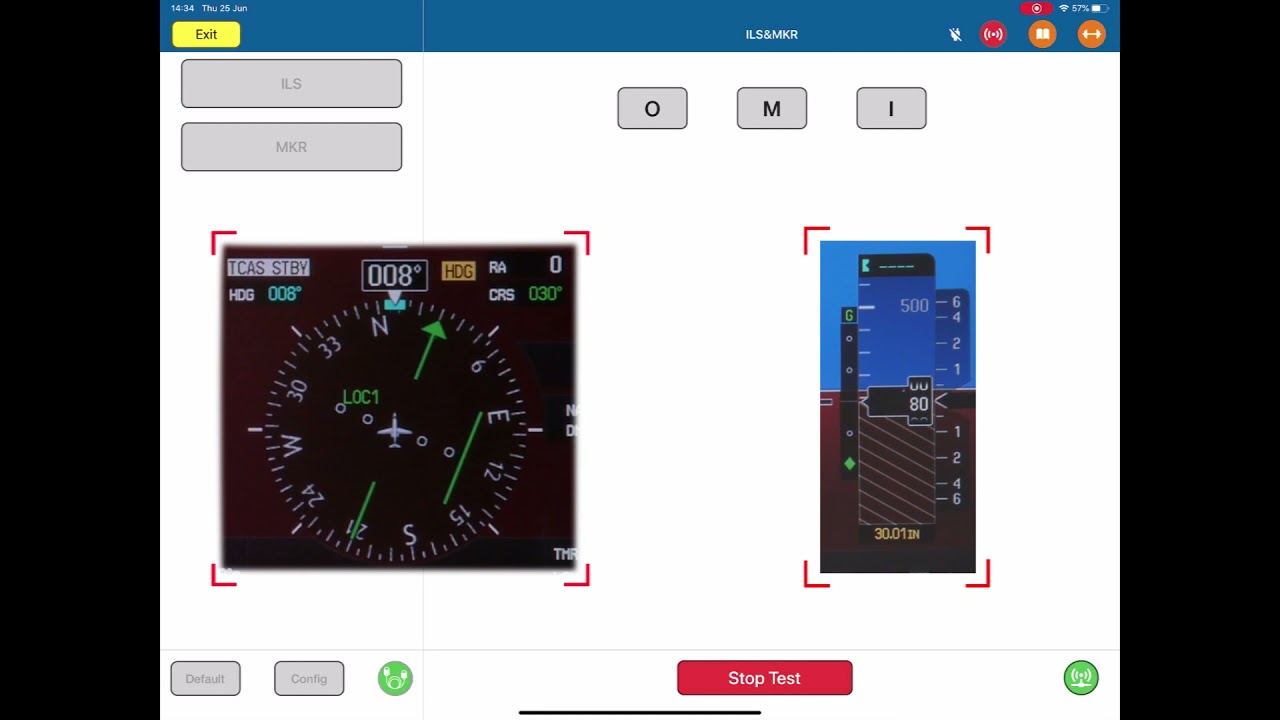 072:20
Guide on using the ILS (Instrument Landing System) and Marker Beacon dual function on the Laversab ARTS-7000.
 085:59
Guide to the VHF Omnidirectional Range (VOR) function in the ARTS-7000.
 095:54
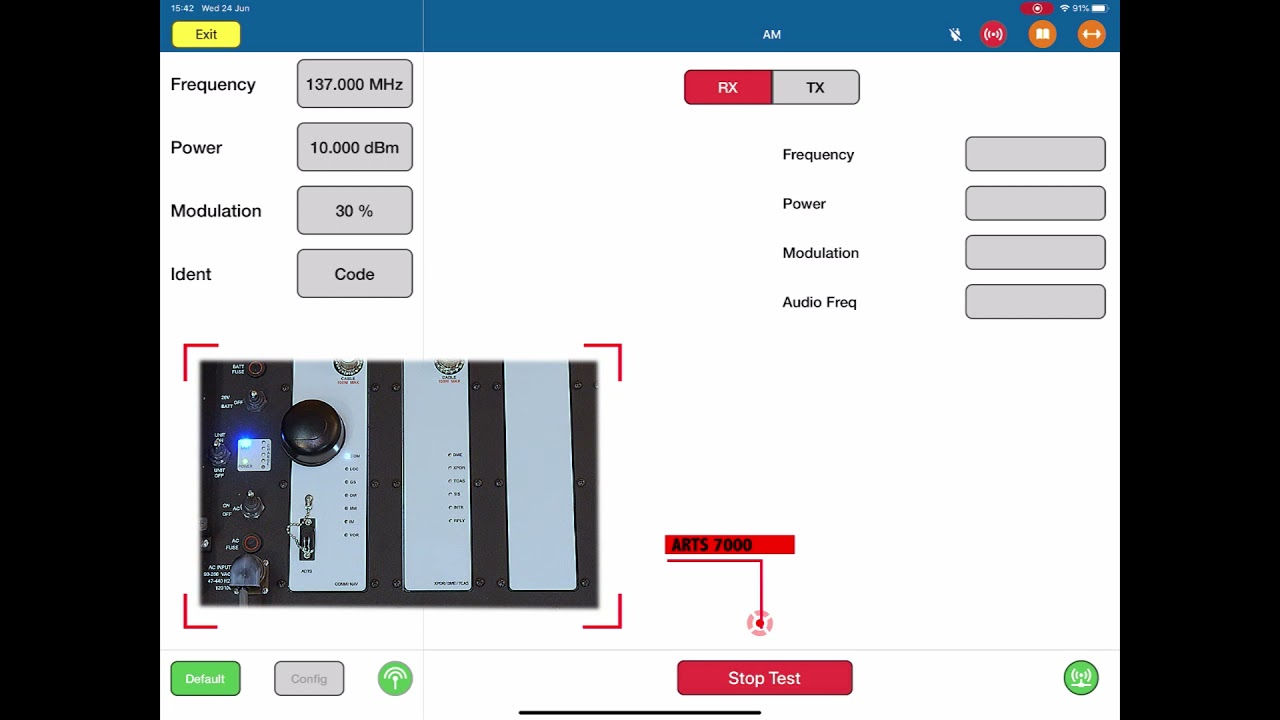
Guide to using the AM Comms functions of the Laversab ARTS-7000.
 104:17
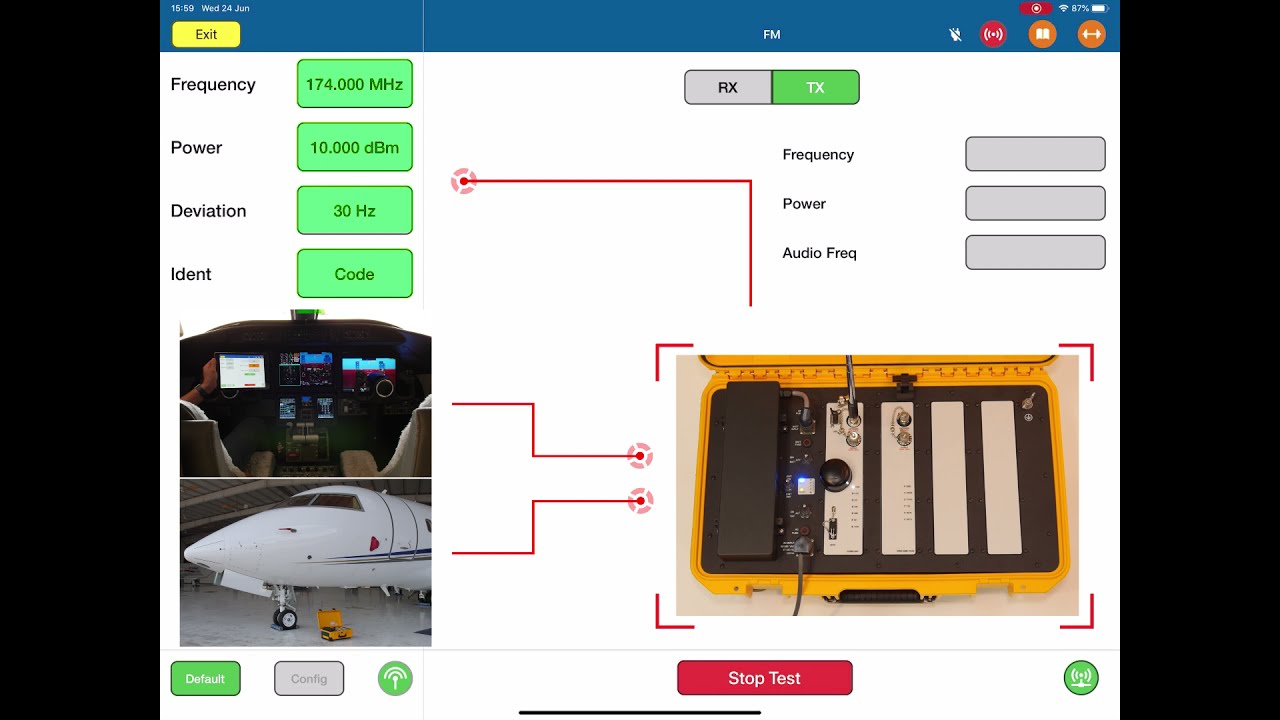
Guide through the FM Comms functions of the Laversab ARTS-7000.
 115:00
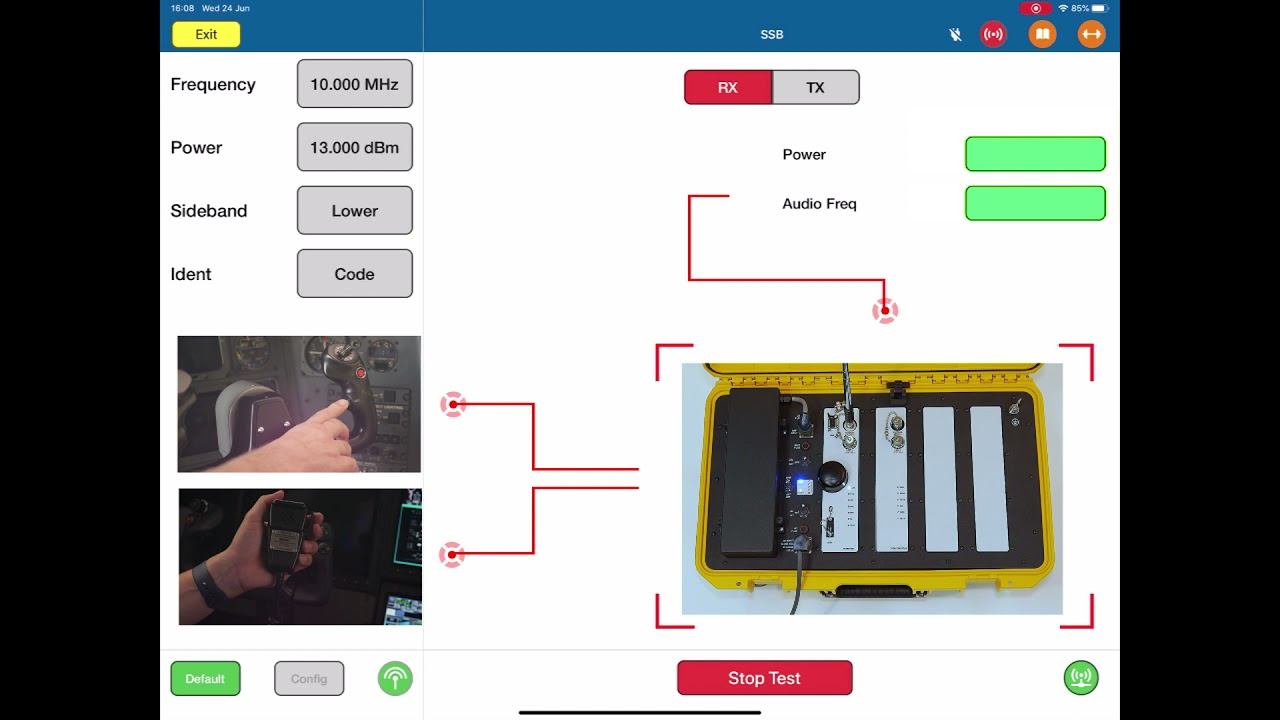
Guide through the Single Side Band communications functions of the Laversab ARTS-7000.
 122:49
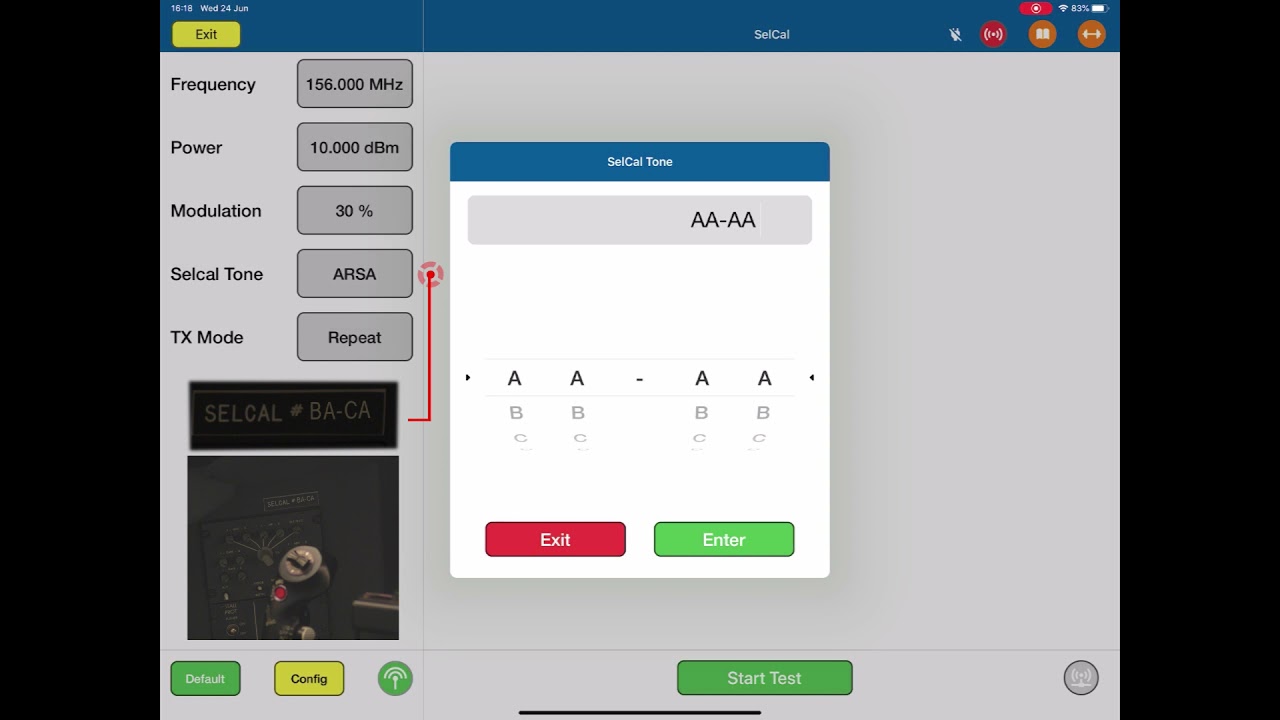
Guide to using the Selective Calling function of the Laversab ARTS-7000.
 133:13
Guide to using the ELT function of the ARTS-7000.
 146:26
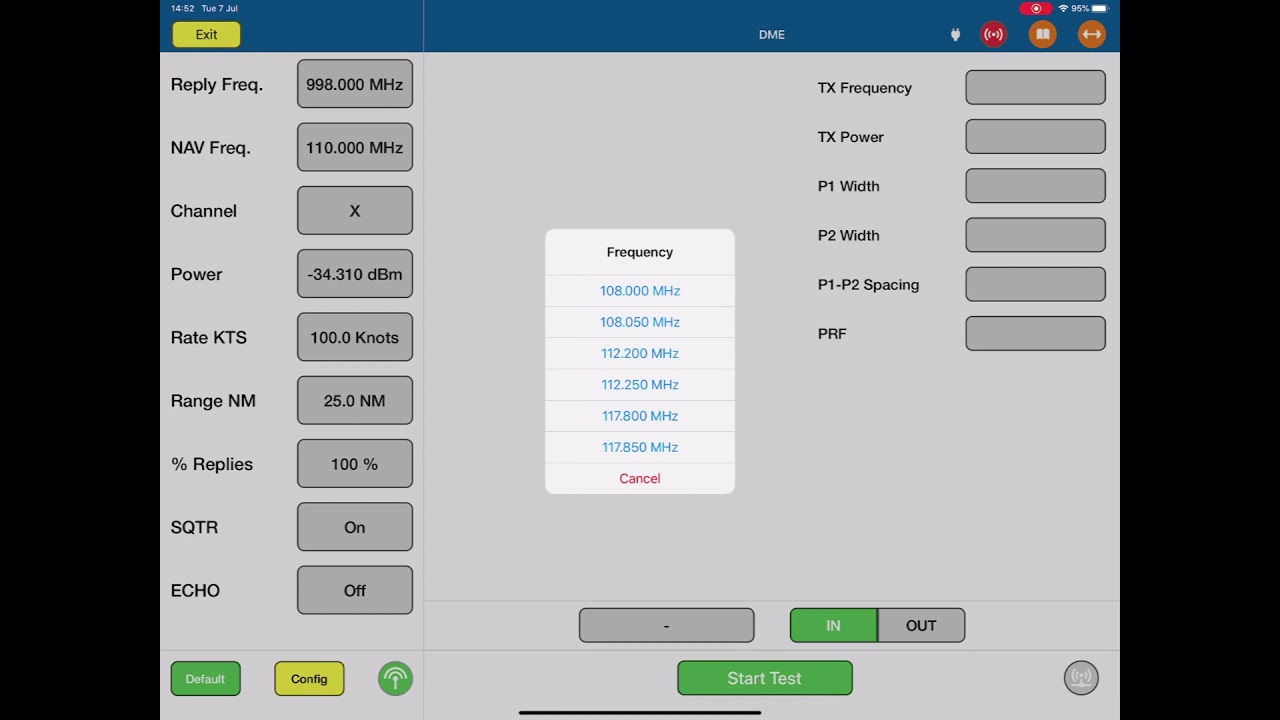
Guide to using the DME functions of the Laversab ARTS-7000.
 152:38
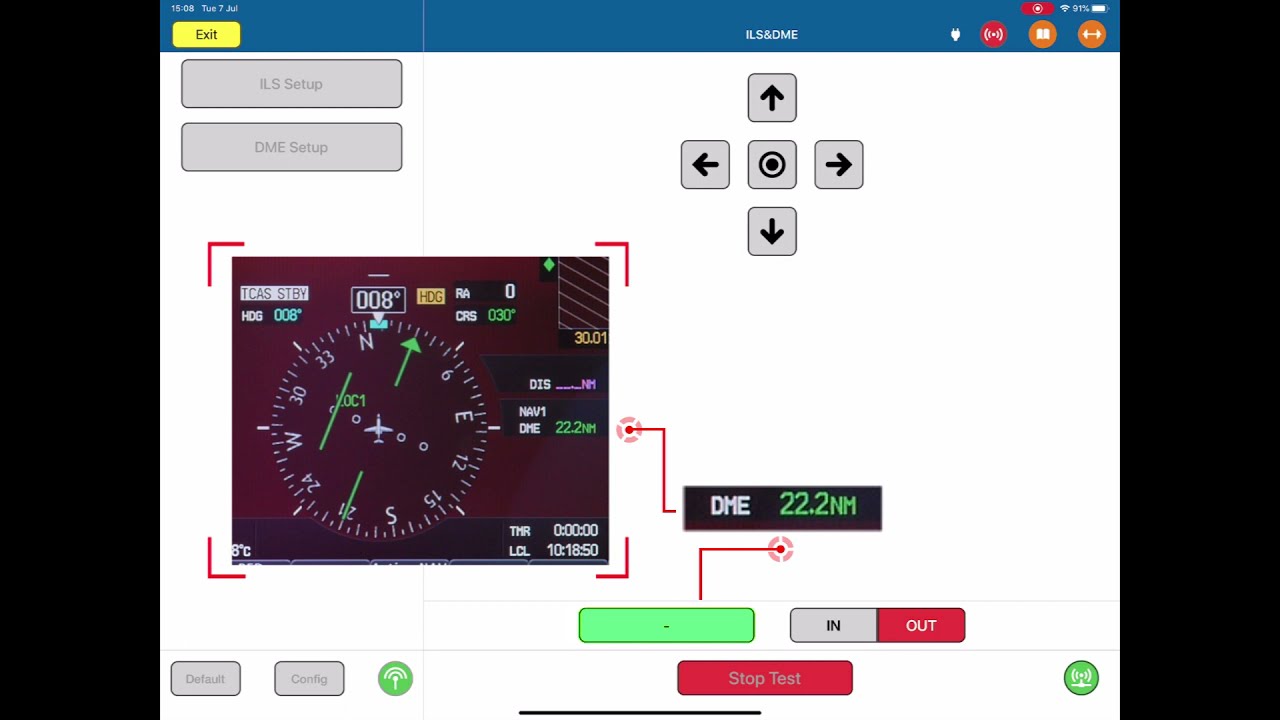
Guide to the Distance Measuring Equipment and Instrument Landing System combo test functions in the Laversab ARTS-7000.
 163:13
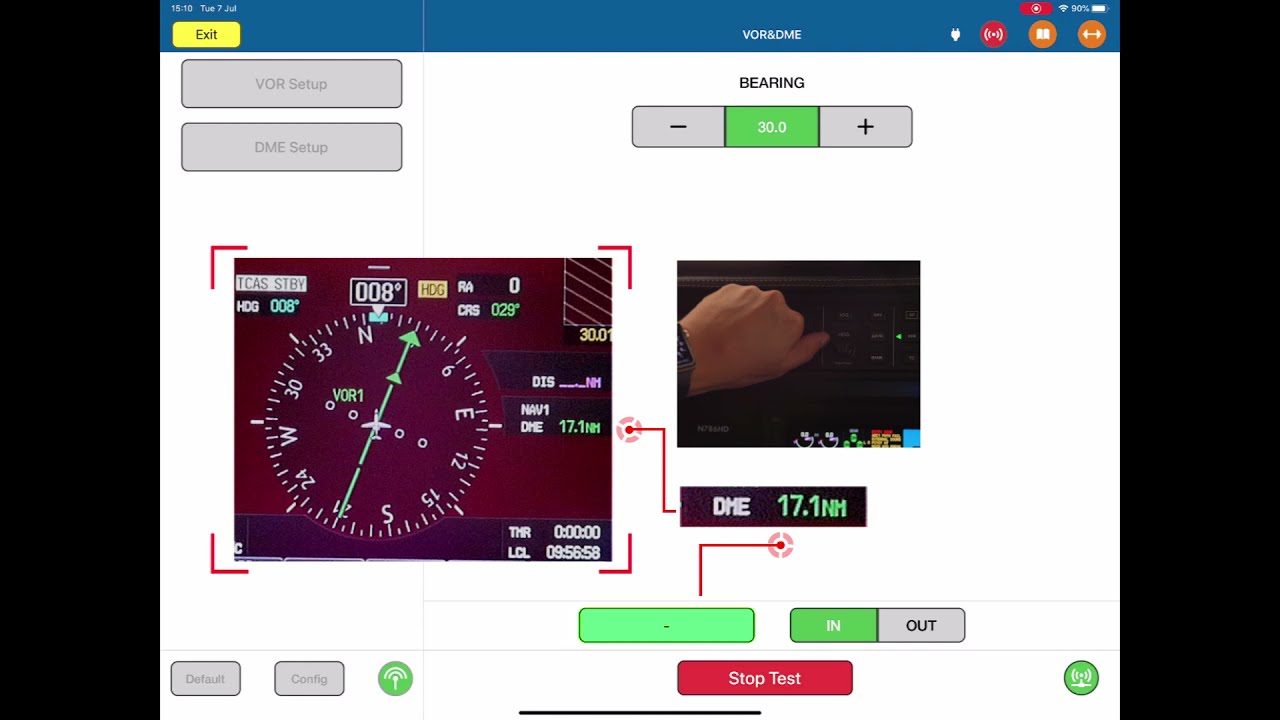
Guide to using the Distance Measuring Equipment & VHF Omnidirectional Range combo functions in the Laversab ARTS-7000.
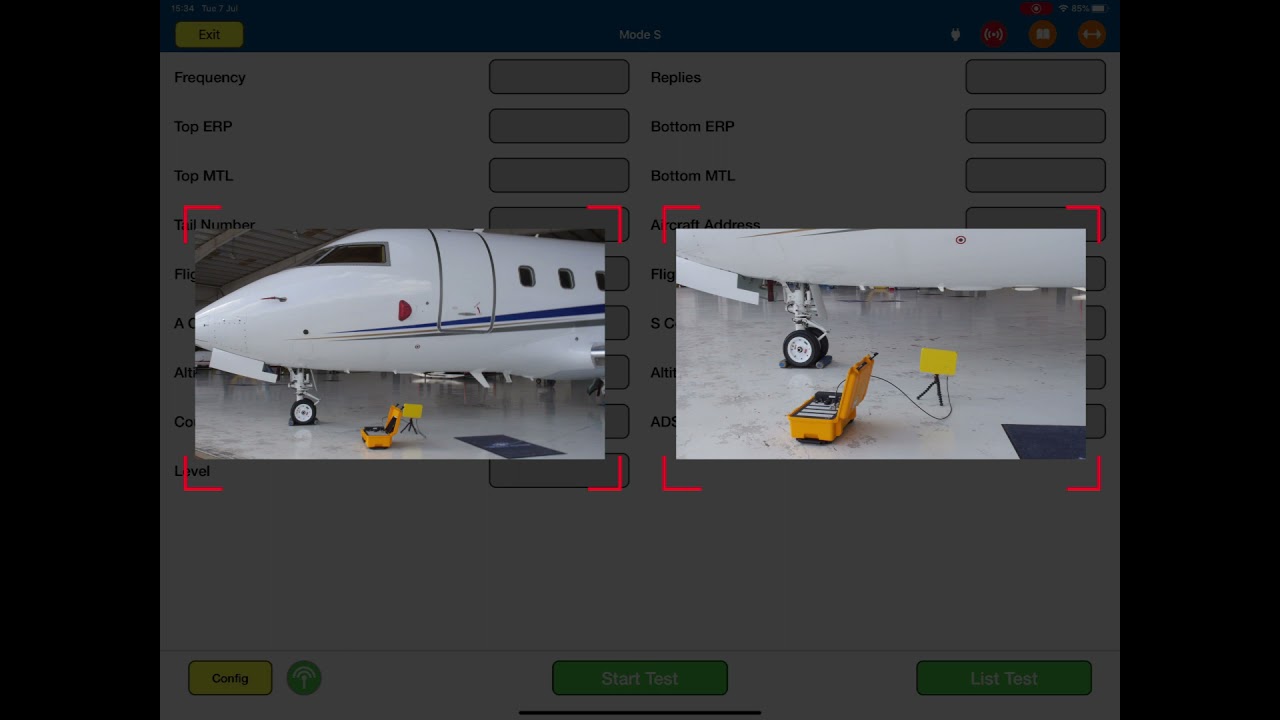 1711:37
Guide to the Mode S functions in the Laversab ARTS-7000.
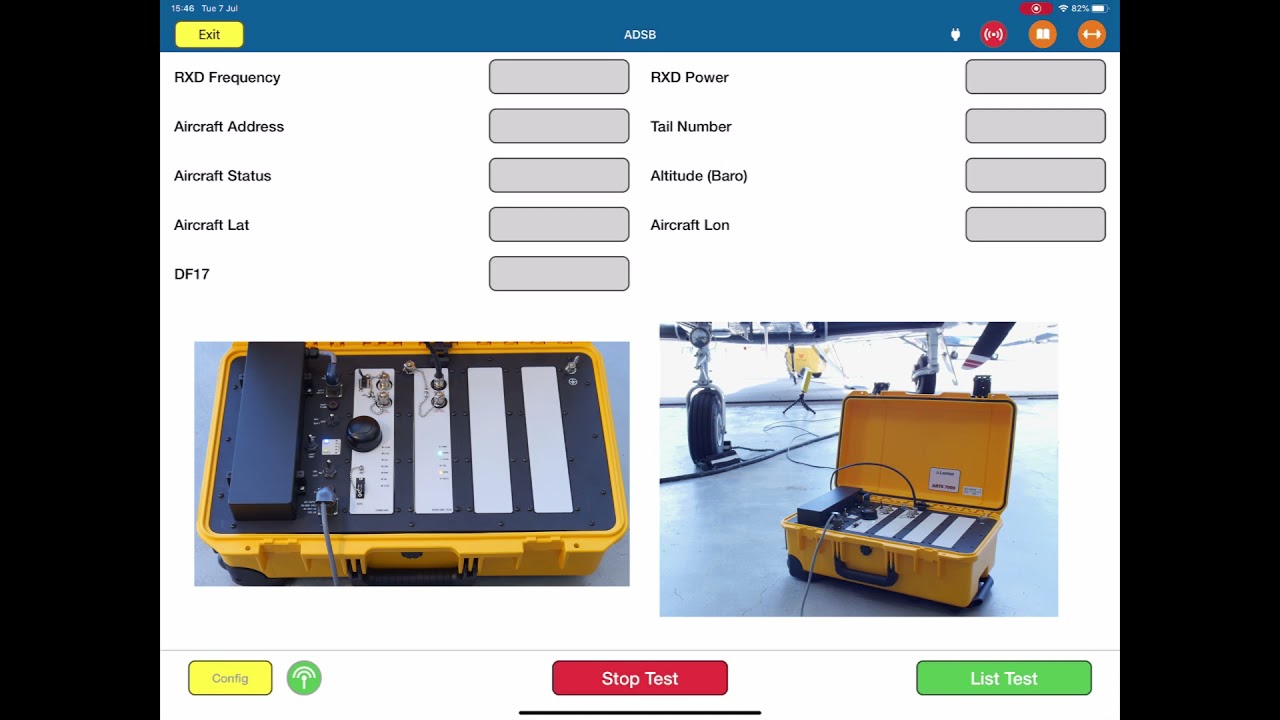 184:20
Guide to the Automatic Dependent Surveillance - Broadcast function of the Laversab ARTS-7000.
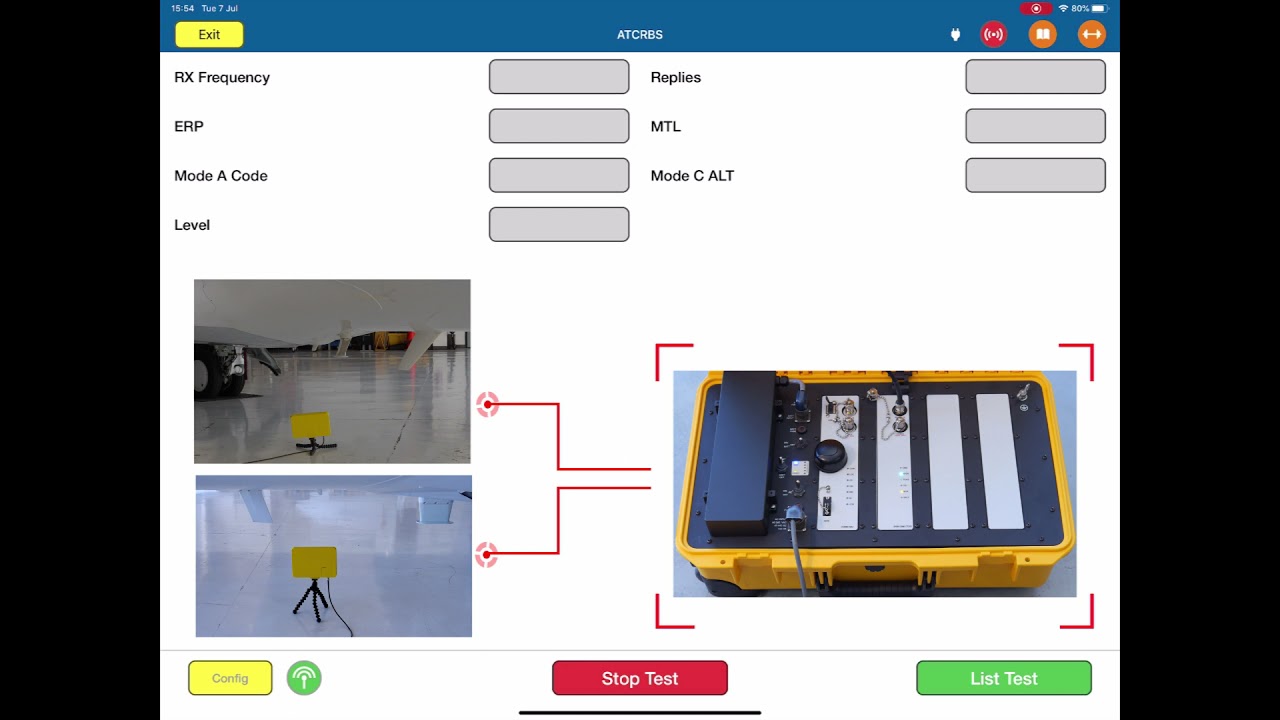 196:36
Guide to the ATCRBS functions in the Laversab ARTS-7000.
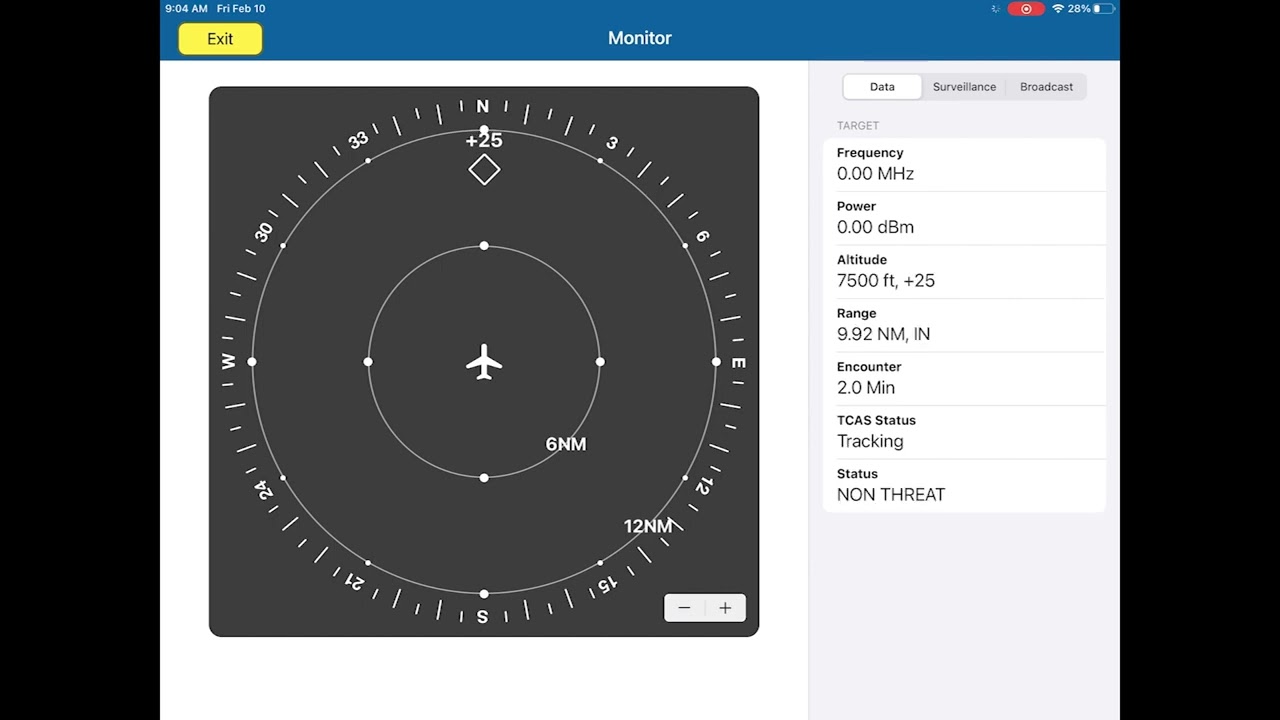 205:37
Guide to using the TCAS function in the Laversab ARTS-7000.
 213:12
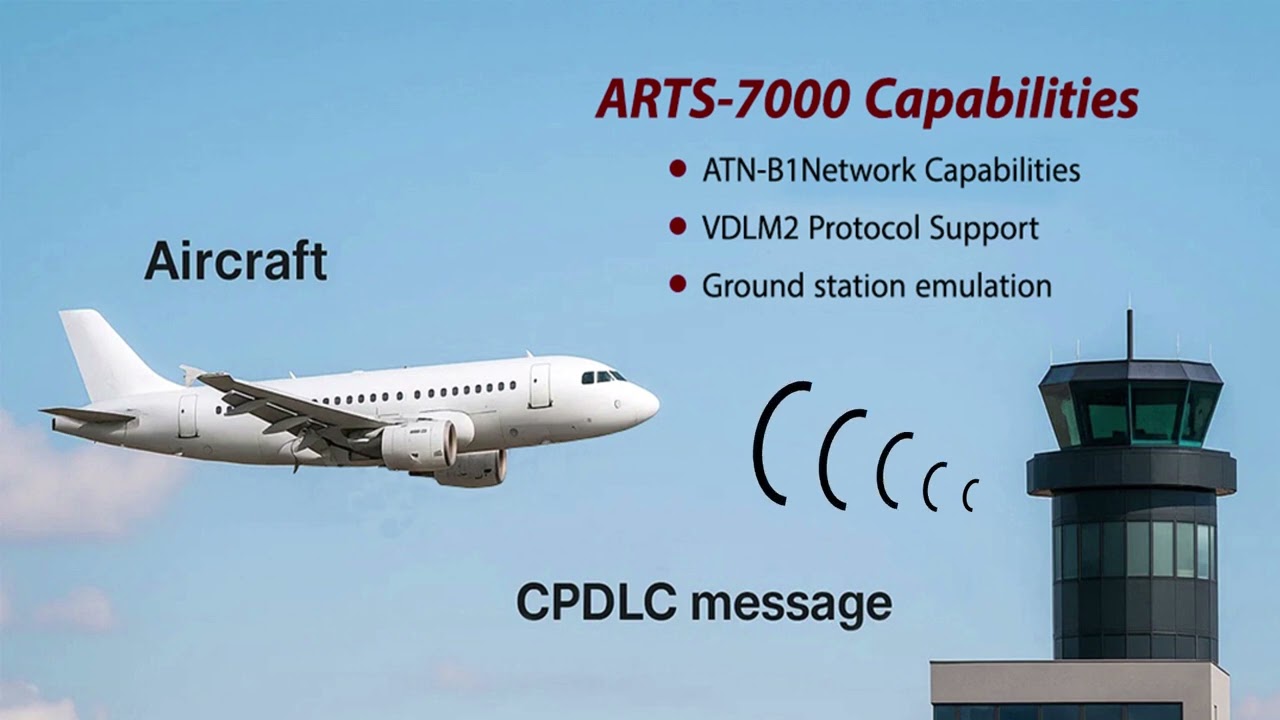
Guide to using the CPDLC function in the Laversab ARTS-7000.
 221:18
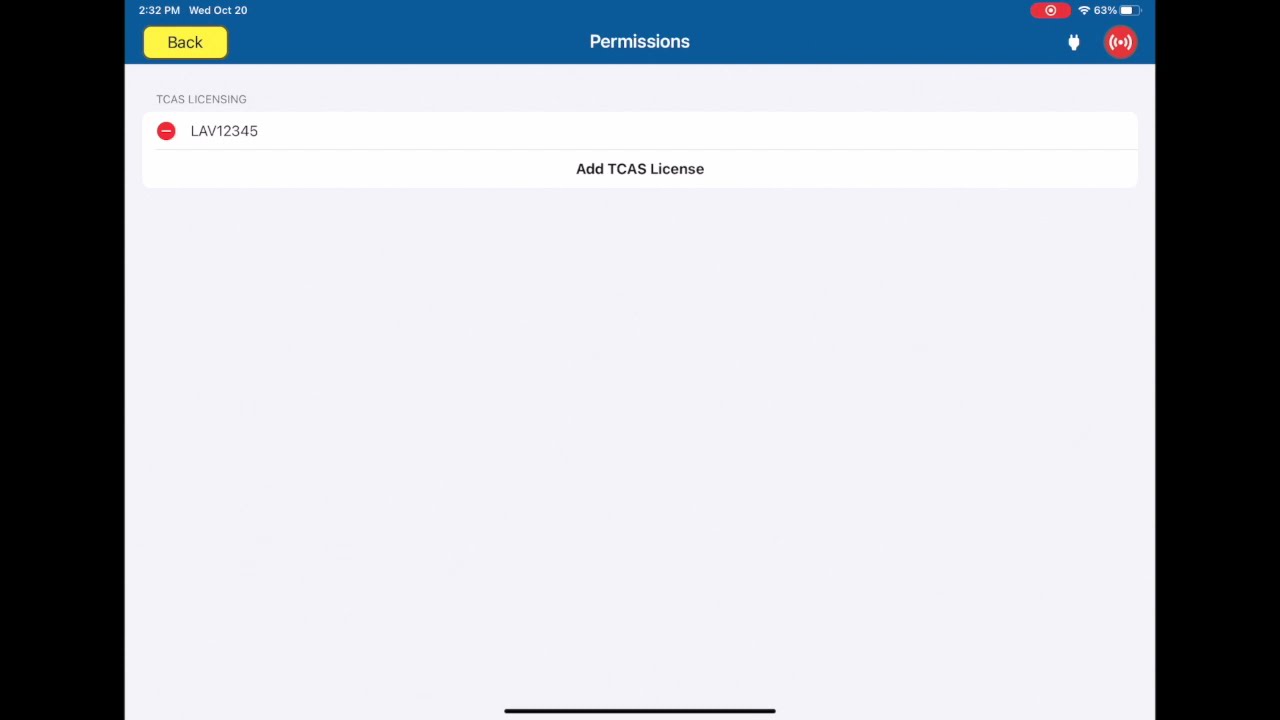
How to activate a license for the ARTS-7000.
 230:31
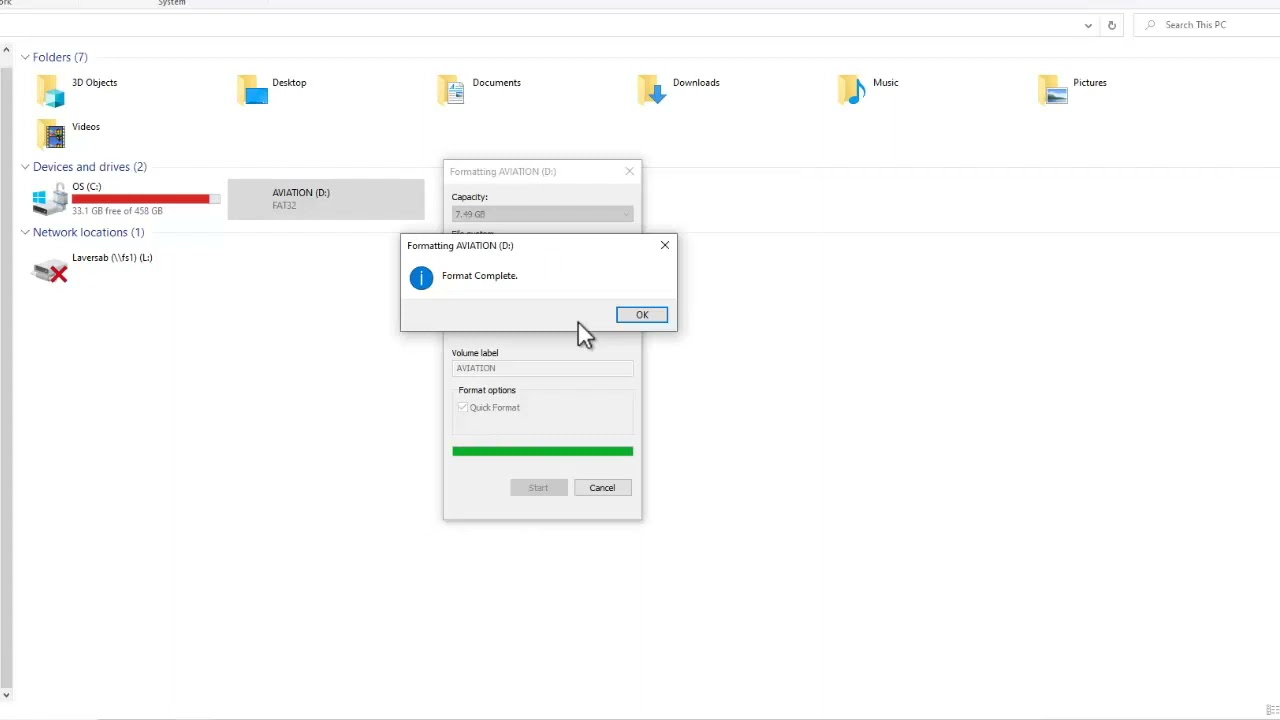
How to setup a USB drive to be used to update the firmware of the ARTS-7000.
 241:42
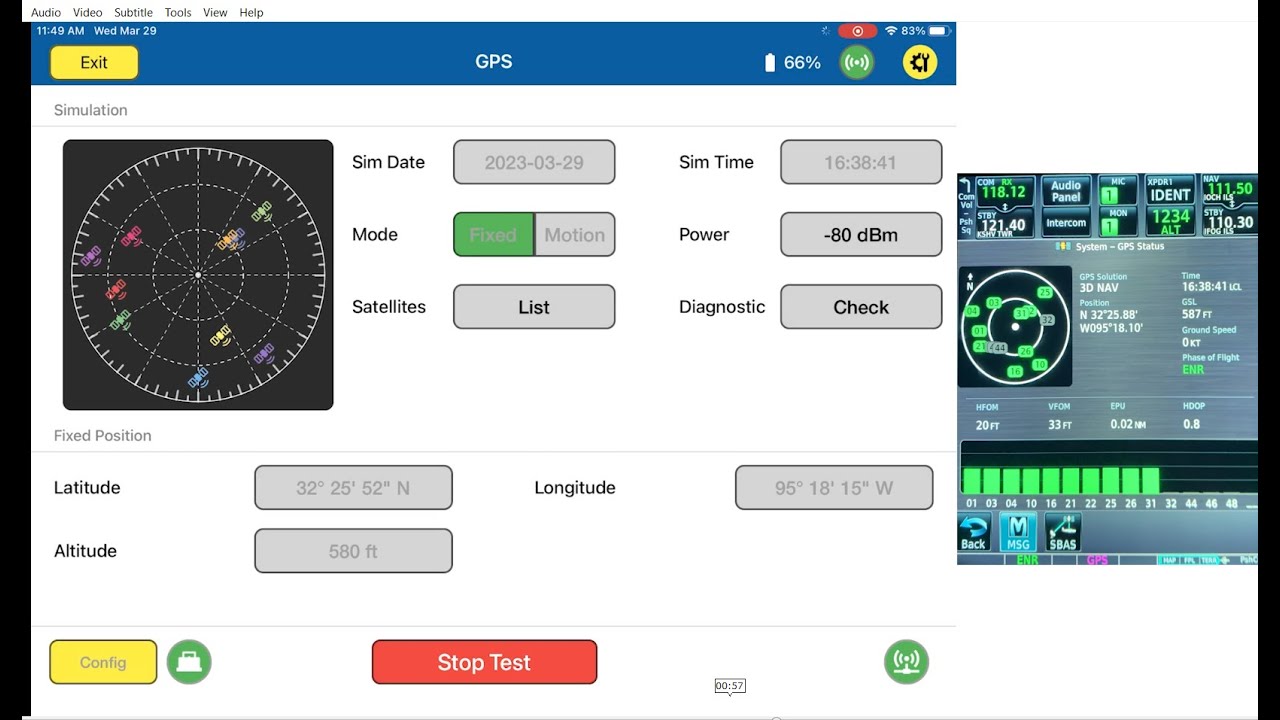
How to setup and work with the GPS.
 011:06
Guide to the Laversab Model 6300 Operators Training course.
 021:39
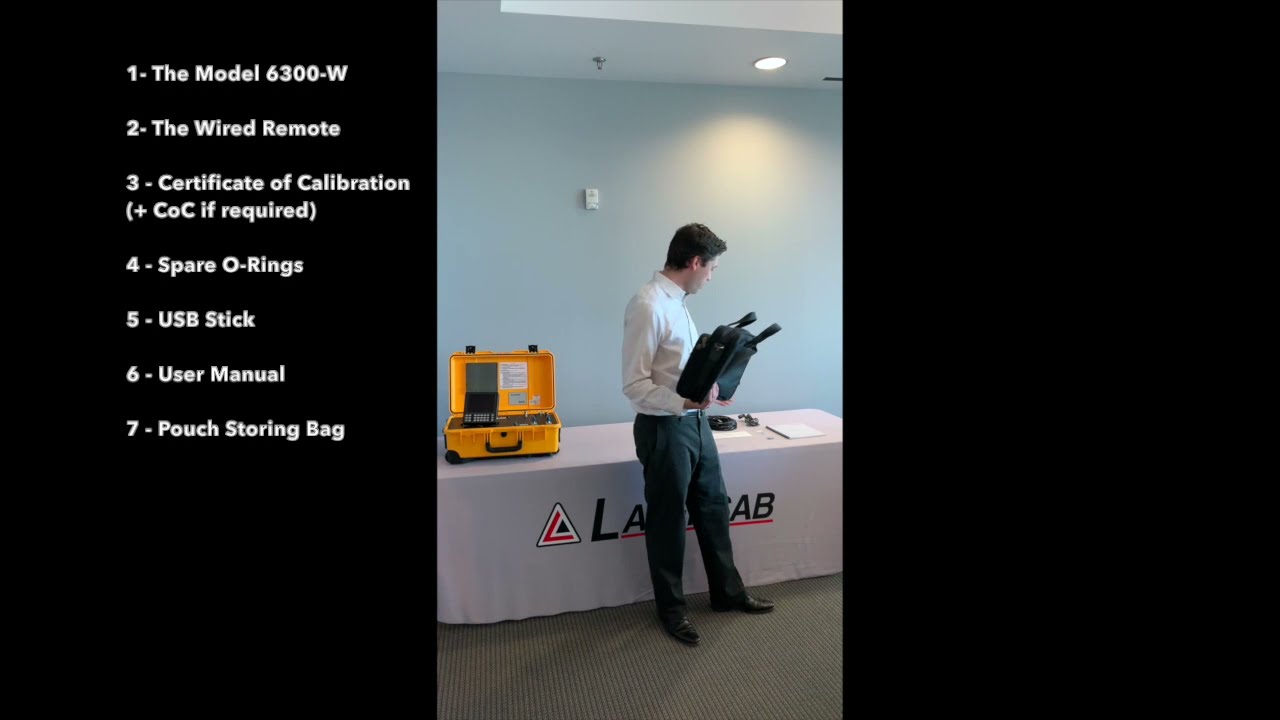
Quick look at the items coming with your RVSM Automated Pitot Static Tester.
 035:45
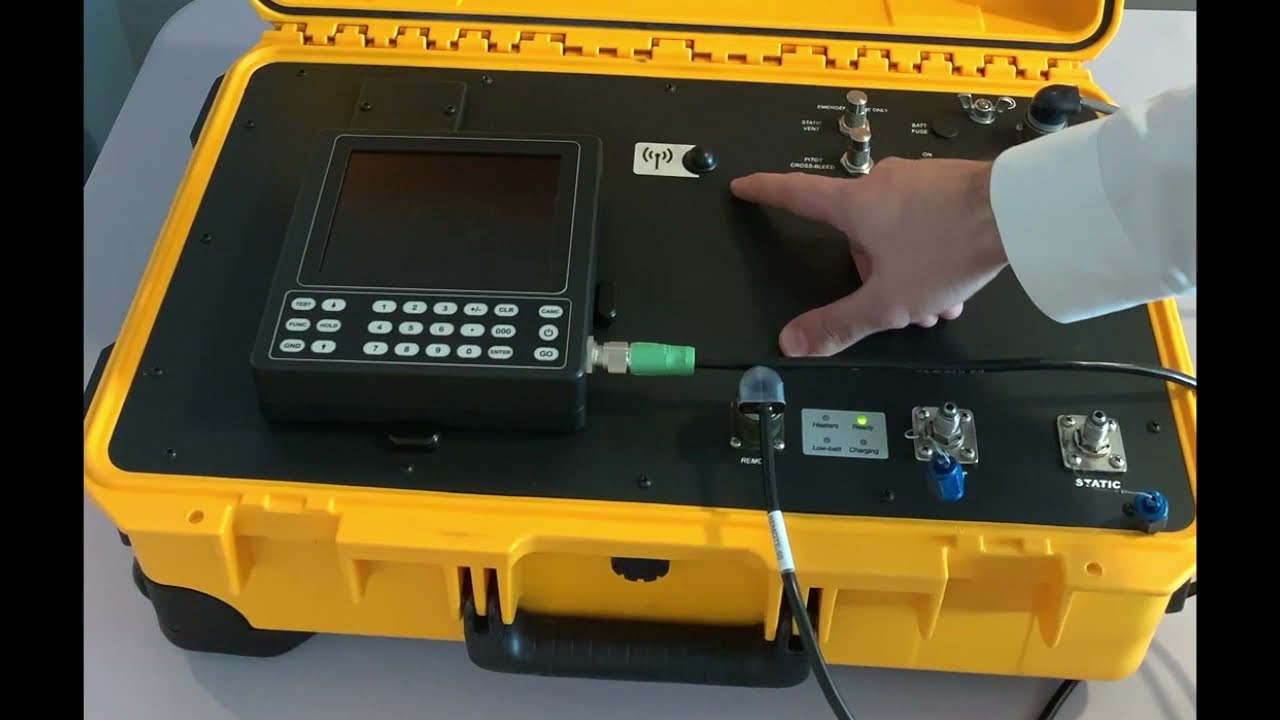
Component by component, we go through all of the important stuff on the front panel.
 045:53
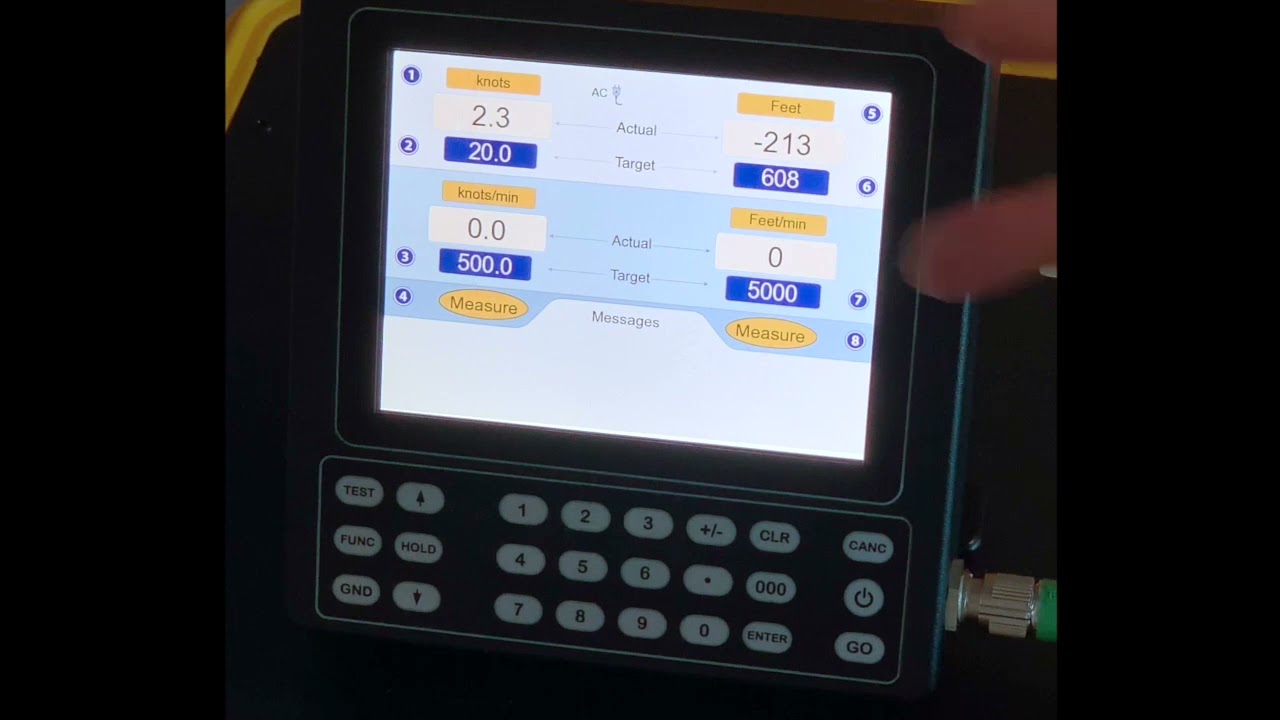
Learn how to start your test set and get it ready to start a check. We also take a deep dive into the user interface layout and meaning.
 052:39
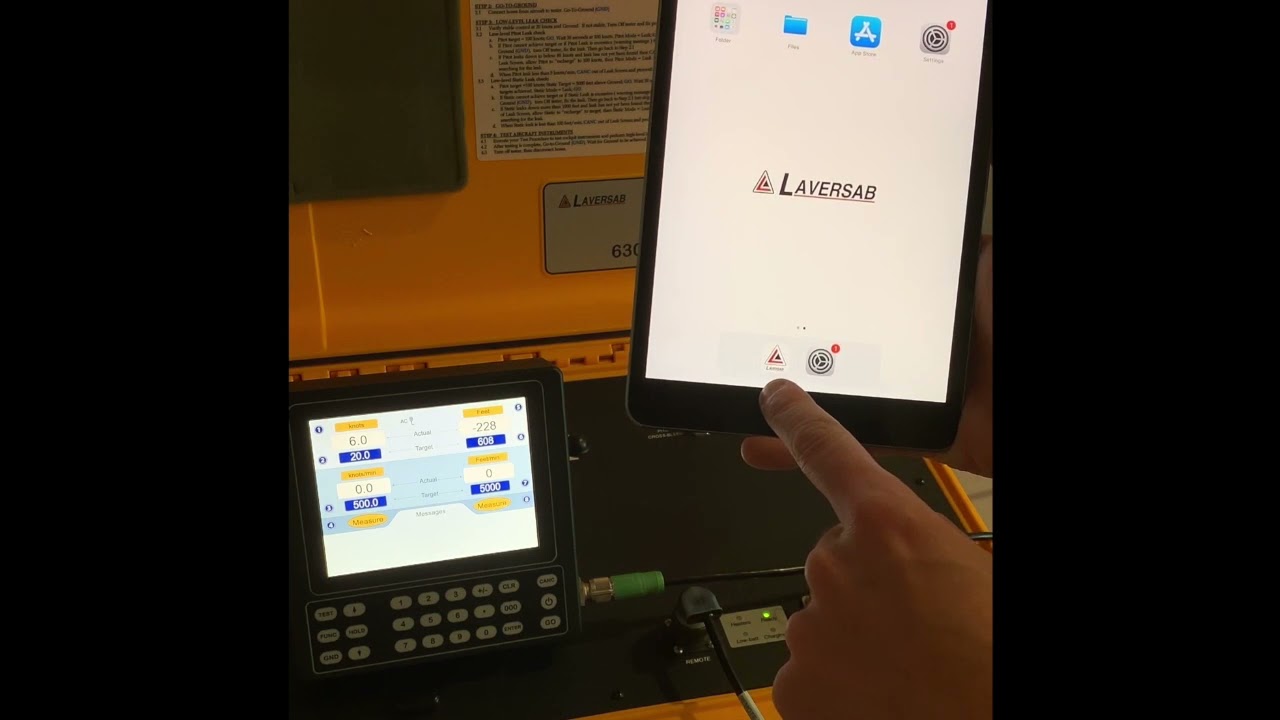
Did you know your test set can be controlled wirelessly? Learn how to pair any Android, Windows or Apple tablet with your Air Data Test Set.
 0618:15
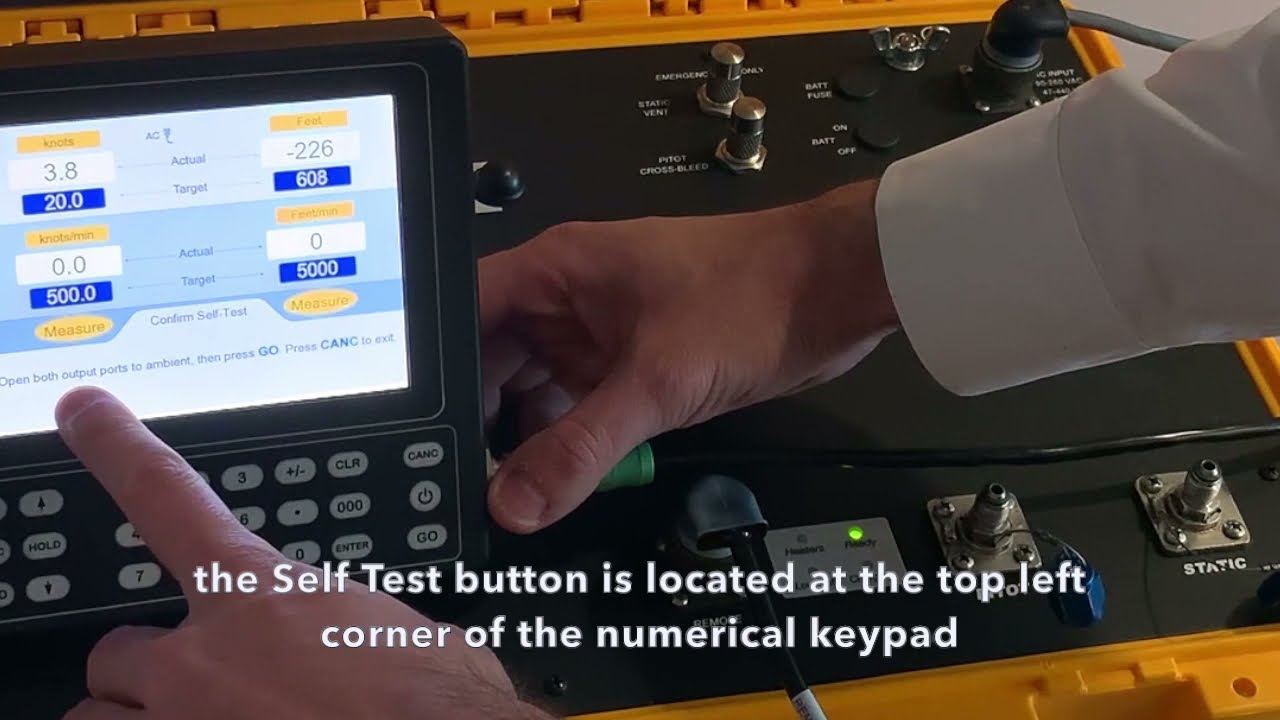
Learn how to perform all the tasks required in any check.
 078:54
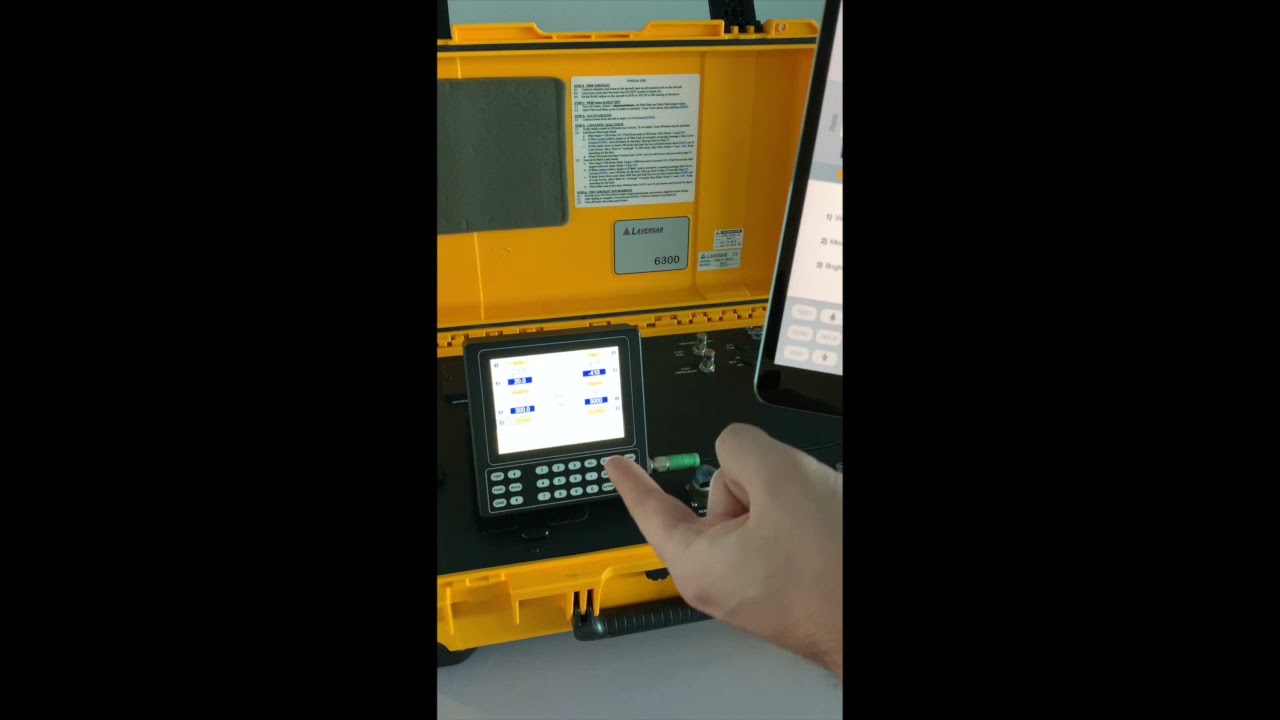
You may adjust a lot of parameters of your test set, and this section teaches you what and how you can do it.
 086:51
General information about common occurrences during a test.
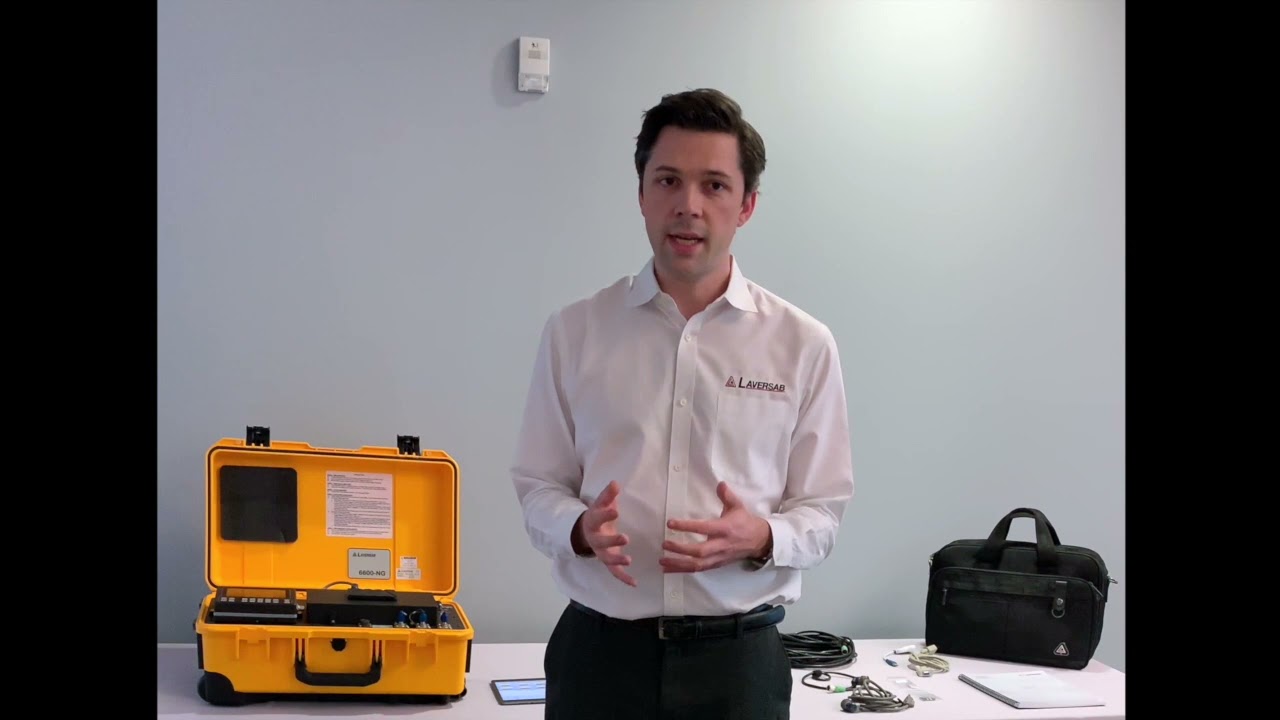 010:56
We take a quick look at the items coming with your Air Data Test Set.
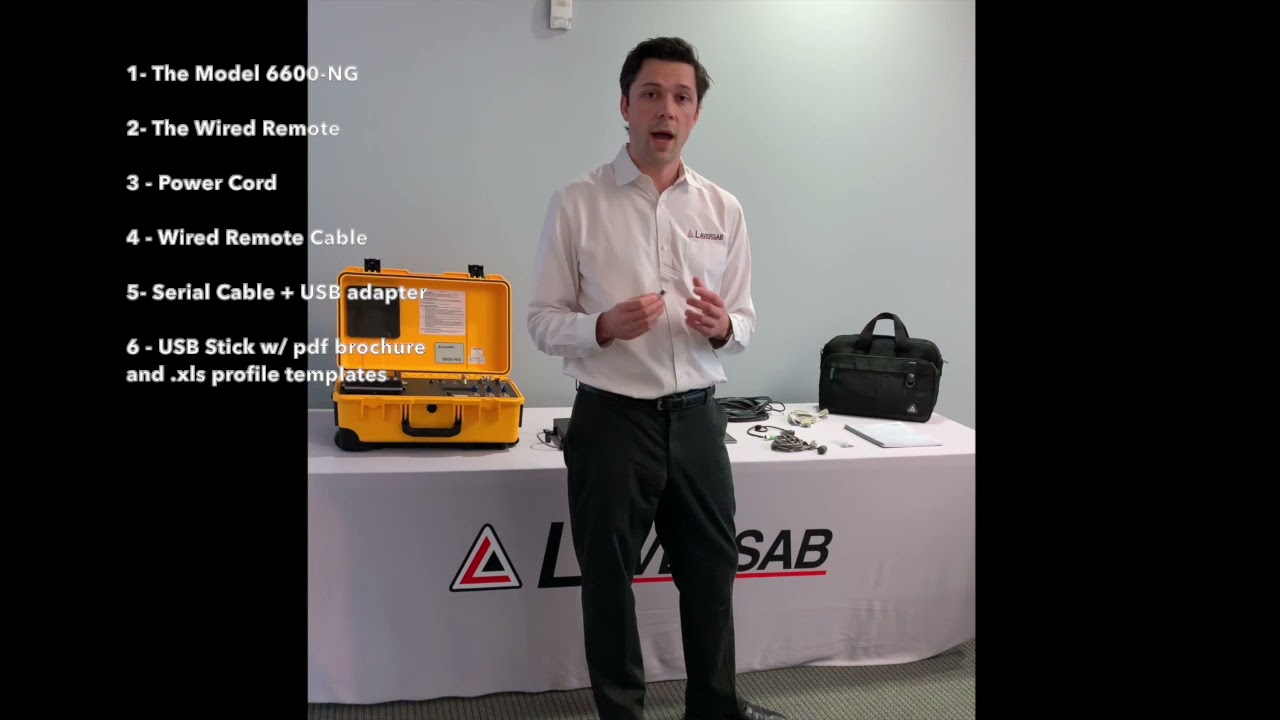 021:49
We take a quick look at the items coming with your Air Data Test Set.
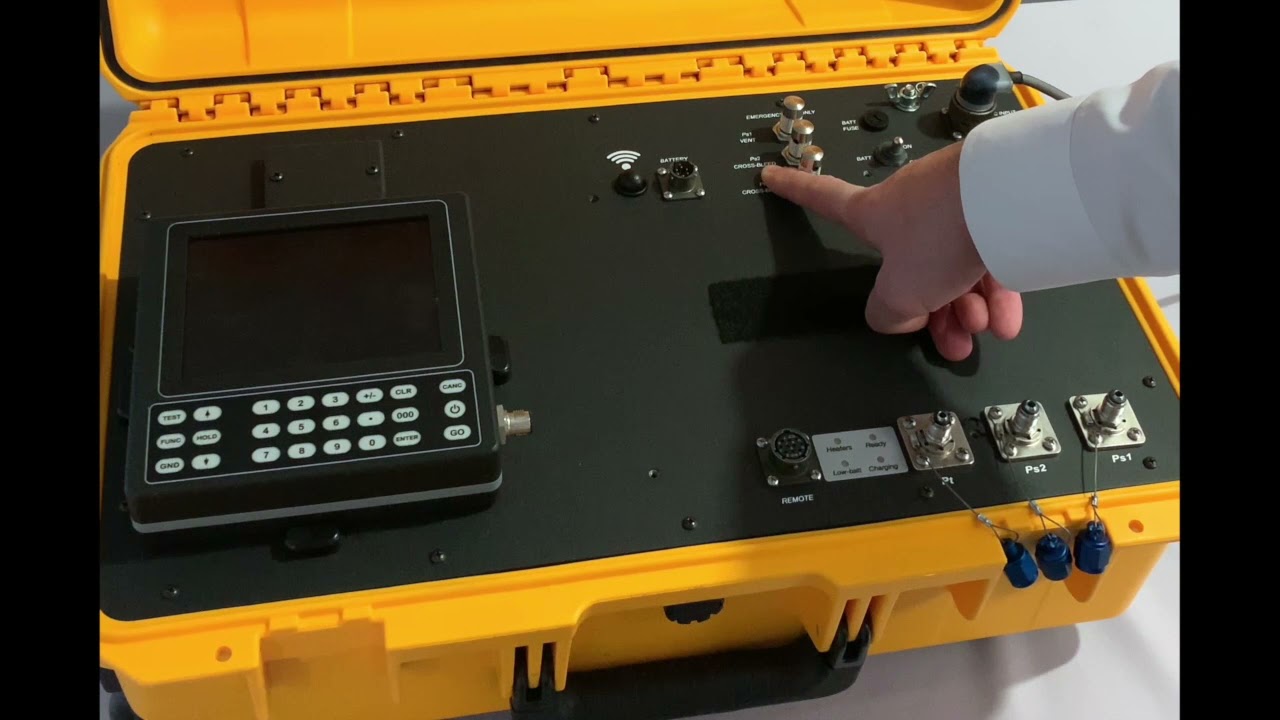 035:31
We take a quick look at the items coming with your Air Data Test Set.
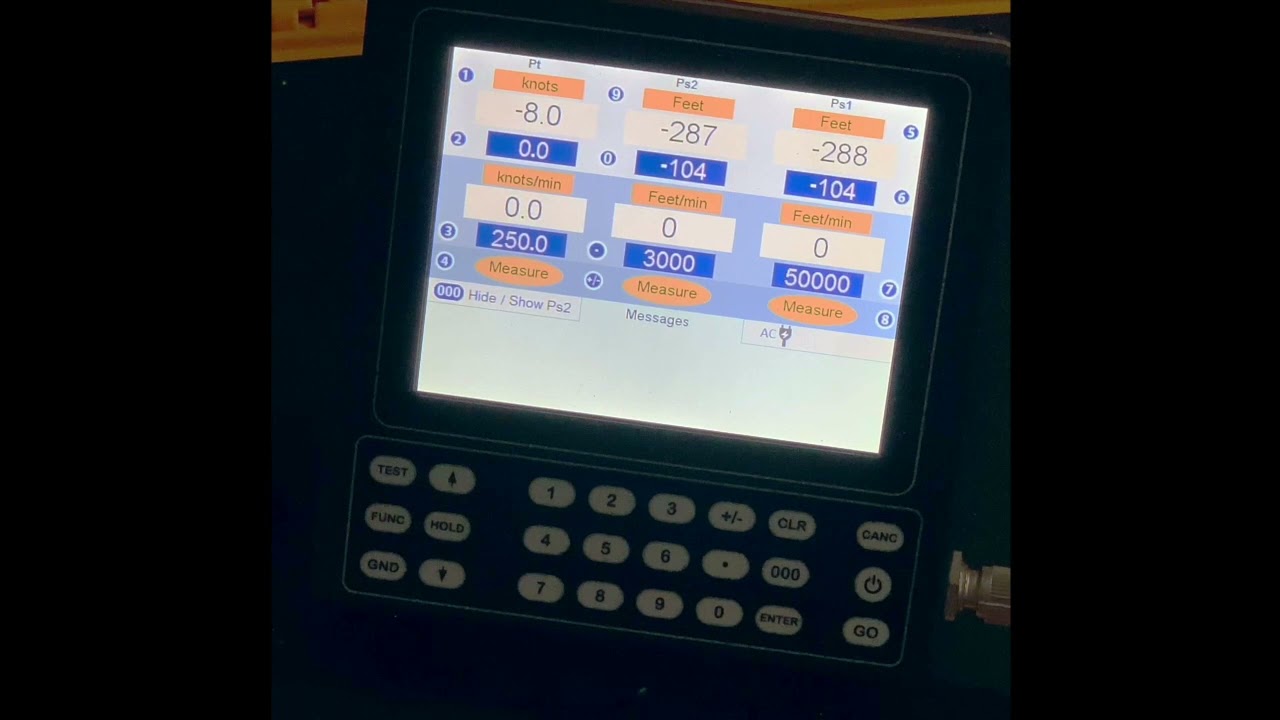 046:53
Learn how to start your Air Data Test Set and get it ready to start a check. We also take a deep dive into the user interface layout and meaning.
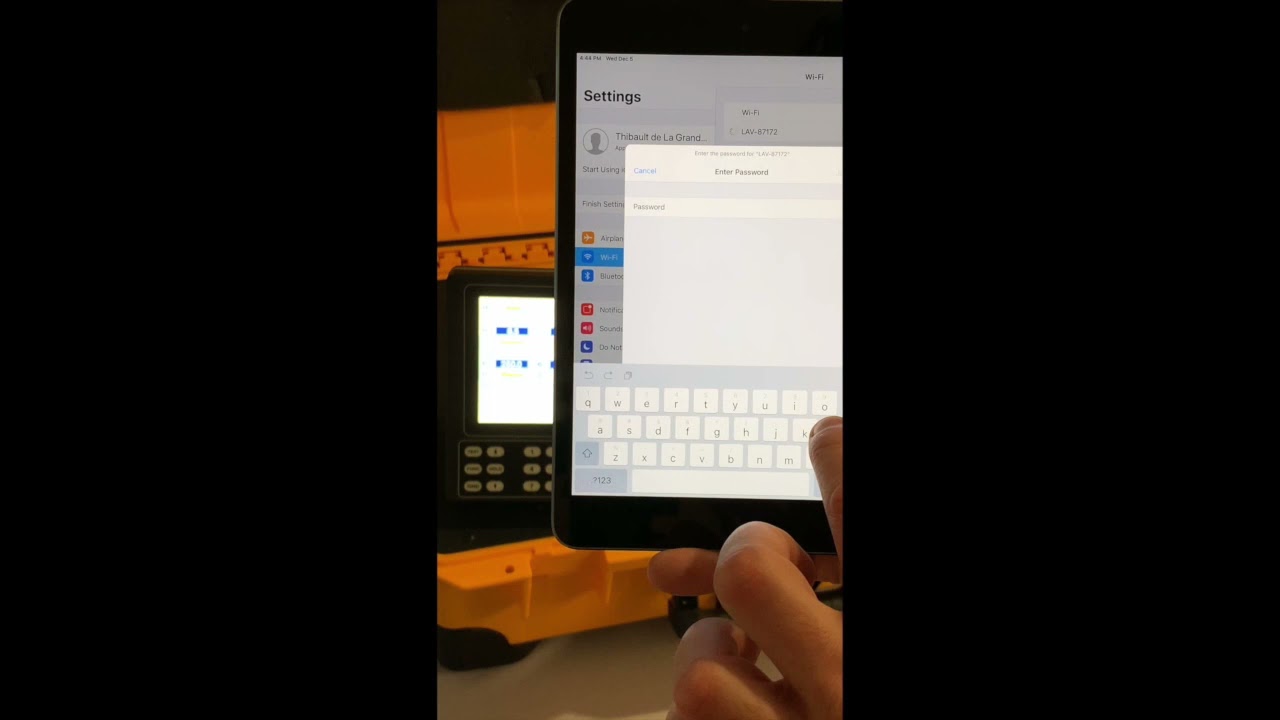 052:00
Did you know your test set can be controlled wirelessly? Here, we learn how to pair any Android, Windows or Apple tablet with your Air Data Test Set.
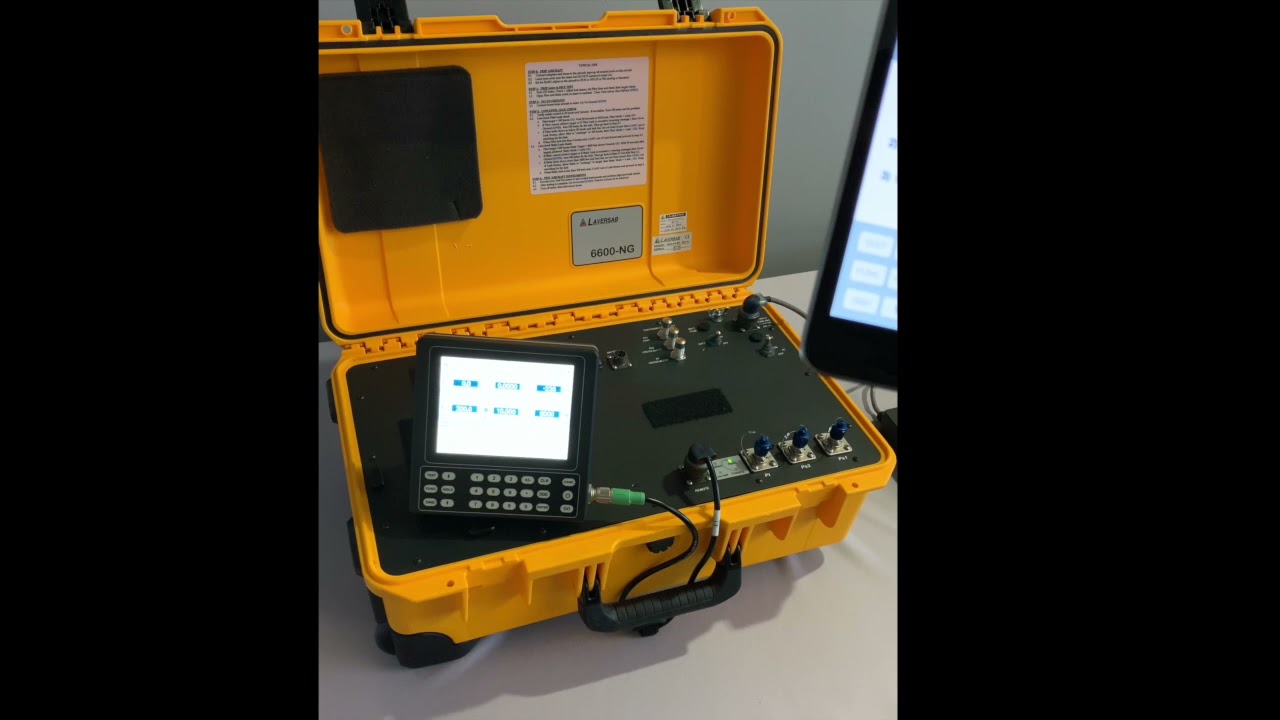 068:55
You may adjust a lot of parameters of your Air Data Test Set, and this section teaches you what and how you can do it.
 076:36
General information about common occurrences during a test. We take a look at one example: large leaks.
 081:16
Learn the difference between a regular pitot probe and the SmartProbes. Consult the 'Ps2 AoA' video to understand how that translates for a 3-channel test set use.
 093:51
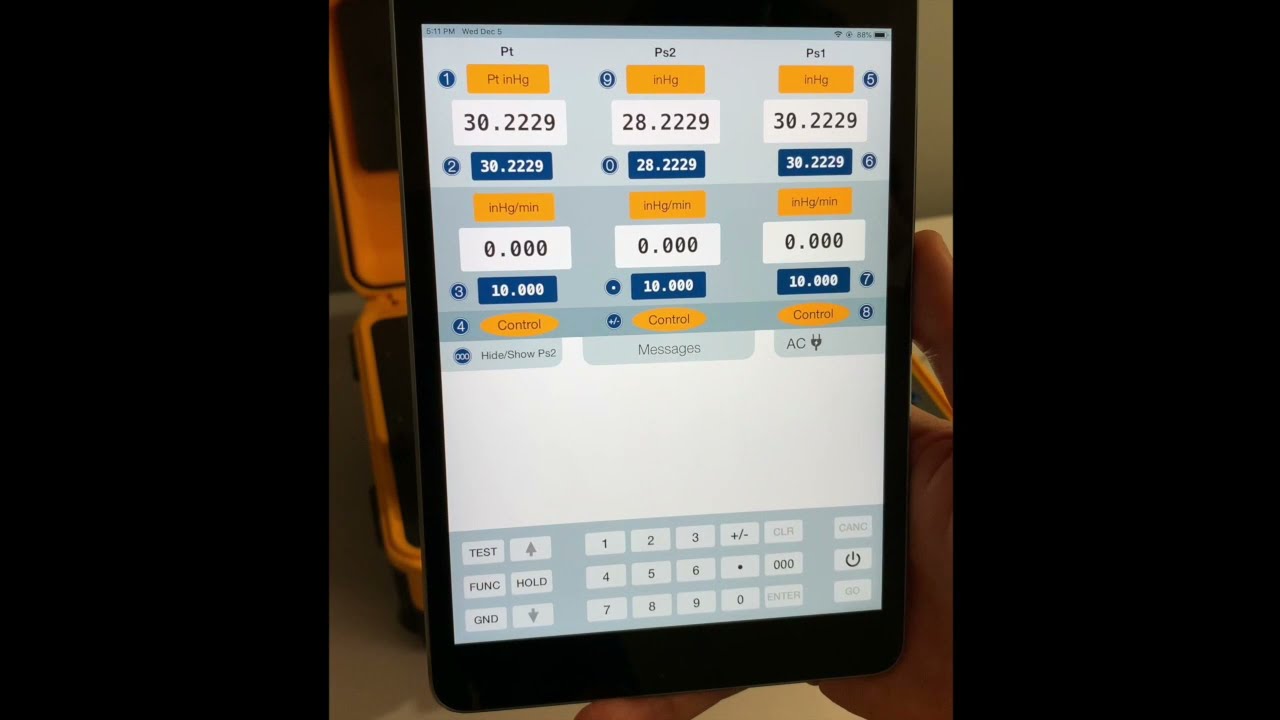
Now that we have learned about the SmartProbe, we learn more about the third channel specific to the Model 6600-NG and the way it performs checks on the SmartProbe.
 101:30
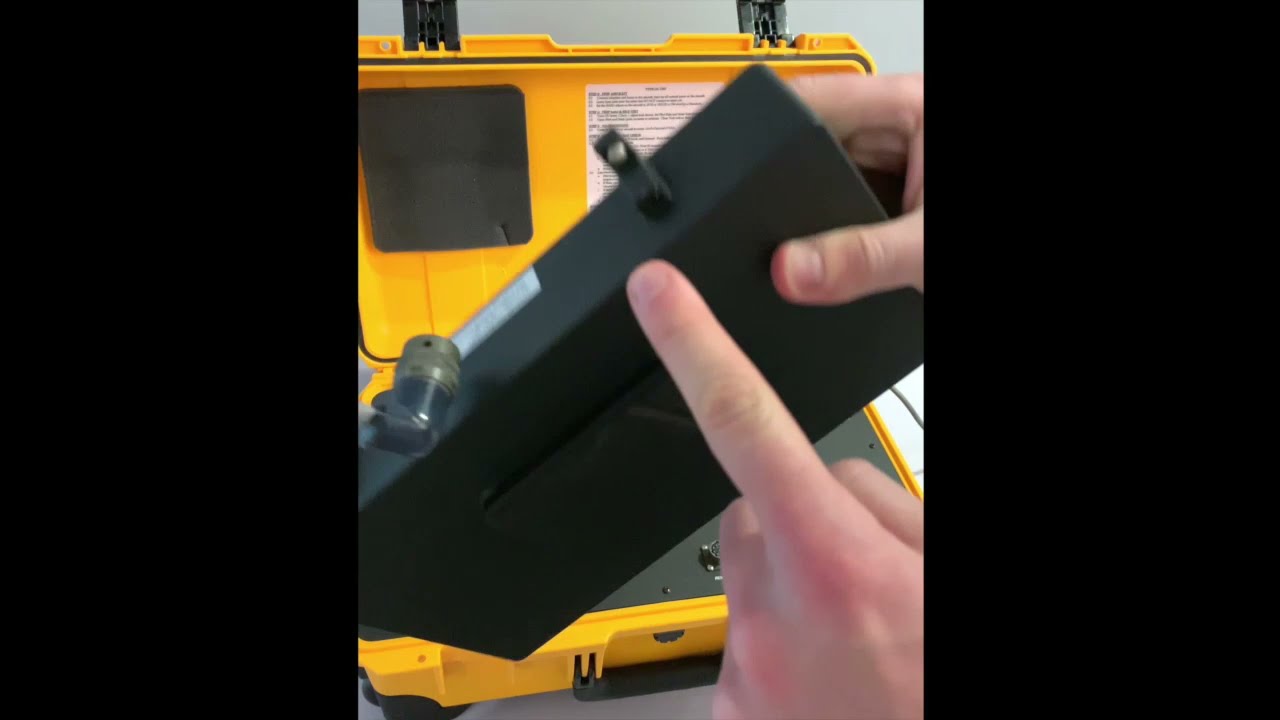
Learn how to install the external battery.